AxChat 🛠️
What is AxChat?

An all-in-one chat management and moderation plugin.
Optimized for Large Networks: The plugin has been written with multiserver support in mind, every feature works across servers, including moderation, private messaging, emojis, command spy, social spy, chat tags, placeholders like [inv], [item], mentions, helpop, reporting, staff chat and many more features. No need to install a separate plugins each of these tasks, AxChat can handle it all.
Most chat plugins retroactively try to protect against exploits like unwanted placeholder parsing or abusable minimessage features like click event in user content, AxChat takes a different approach, the plugin starts off by splitting up messages interally and clearly defining which part of it can be colored or have placeholders parsed in it. This way nothing can accidentally slip through.
Most Important Features
The plugin supports the H2 and MySQL databases.
Modular Design: You can easily disable parts of the plugin that you don't need to maximize performance.
Multi-Server Support: The plugin has a Proxy mode, and for maximum speed Redis and RabbitMQ are also supported.
Chat Mirroring: The plugin can be used to send or view messages across connected servers.
Secure: Players can only add colors or click actions to their messages if they have special permissions.

Moderation: The plugin provides highly customizable checks that can be tweaked to prevent swearing, spam or other unwanted content.

Filter Everything: The moderation system can watch writing signs, anvil item renames, books, etc.
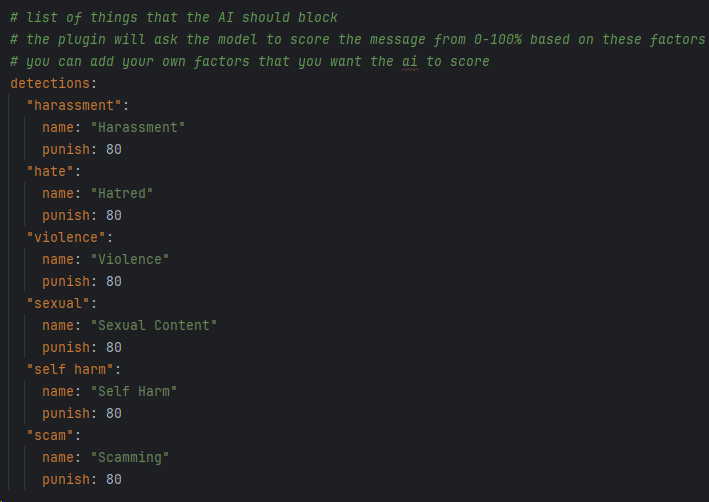
AI Moderation: Send player messages to the AI model of your choice to decide if they are allowed. (tokens are not included)
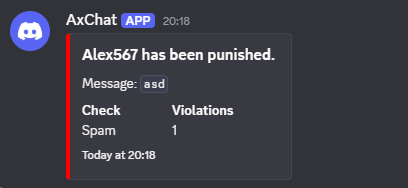
Discord Webhooks: Send webhooks when players violate rules.
Private Messaging: Players can message each other even across servers. It can also be turned off with the /msgtoggle command.

Ignore Players: Users can ignore each other's chat and private messages.

Chat and Name Colors: Customize the displayed colors through permissions.
Player Reporting: Players can notify staff of disallowed behavior with the builtin report command.

Helpop: Players can send messages to staff through the builtin helpop command.

Staff Chat: The admins can communicate with each other through the builtin staff chat.

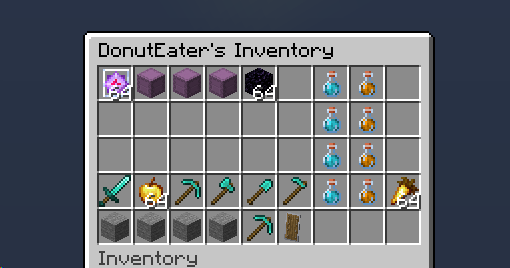
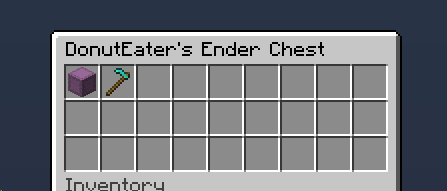
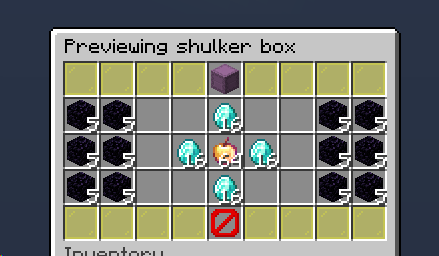
Chat Placeholders: The plugin allows players to show their inventory, ender chest, items. Shulker box contents can also be viewed.
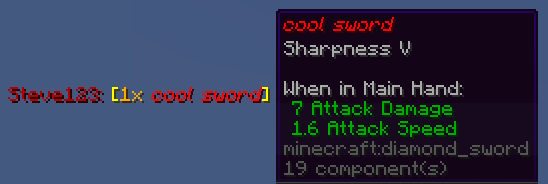

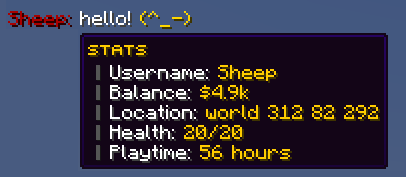
Custom Placeholders: Create your own chat placeholders that players can use to display their stats, like balance or location.

Emojis: Create emojis that players can use in the chat to express themselves. The plugin comes with over 80 by default. No texture pack needed.


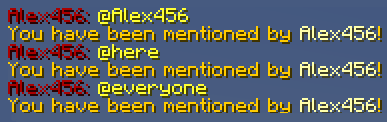
Mentions: Ping players by using @everyone, @here or @[name] to get their attention.

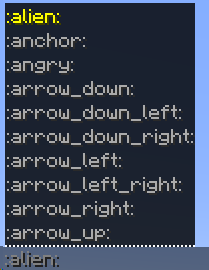
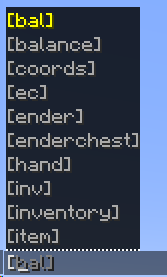
Smart Tab Completions: Player names, mentions, emotes, chat placeholders are all tab completable, even across servers.

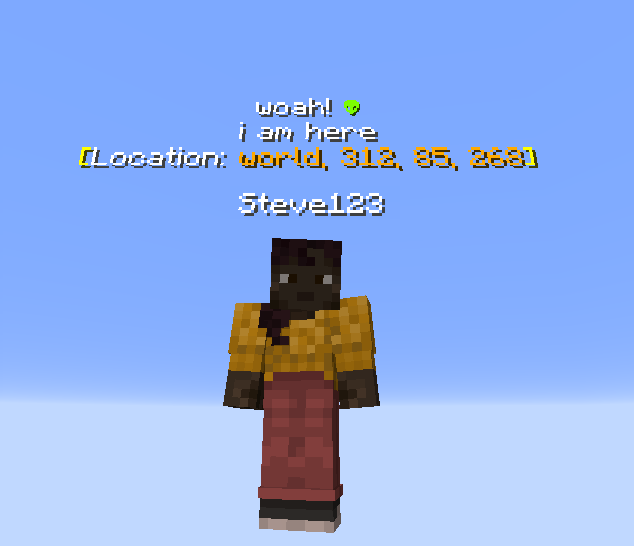
Chat Bubbles: It is possible to show messages above the user's head for a more realistic experience.
Social & Command Spy: Admins can monitor player direct messages and commands executed on the network.

Chat Actions: The player's name can be hovered or clicked, which can be used to display statistics or to run commands.
Vanish Integrations: The plugin doesn't leak vanished players, it can even handle vanished players across servers.
Join MOTD: Welcome your players by sending a message every time they join.

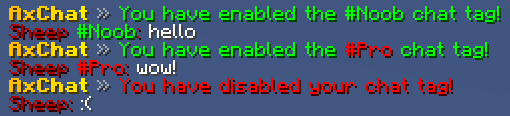
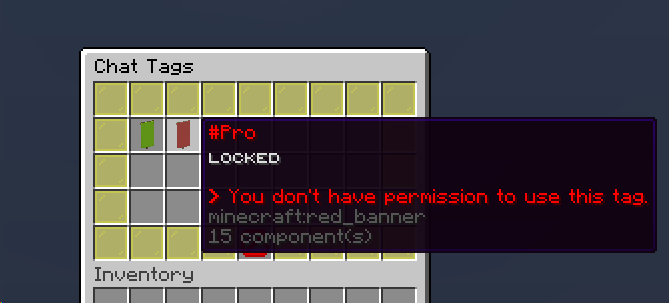
Chat Tags: Create chat tags that players can select through a gui.
Player List: Check where are players located across your network and see details like vanish status from any server.

Mute Chat and Clear Chat: Disable or clear your server's (or even your entire network's) chat with a single command.
